
Getting started with your first BE event

Feb 5
Welcome to British Eventing! By joining BE, you’re stepping into an exciting sport run at stunning venues across the country, delivered by experienced, safety-focused organisers and officials. Every affiliated event is held to a high standard, with carefully prepared ground and courses designed to support both horse welfare and rider confidence.

If you’re newly affiliated and ready to enter your first event, this guide covers everything you need to know, from how to enter, to vaccinations, balloting, withdrawals and getting your times.
Before you enter your first event

Before starting an entry, it’s worth checking that the essentials are in place. This will save time and avoid validation issues later.

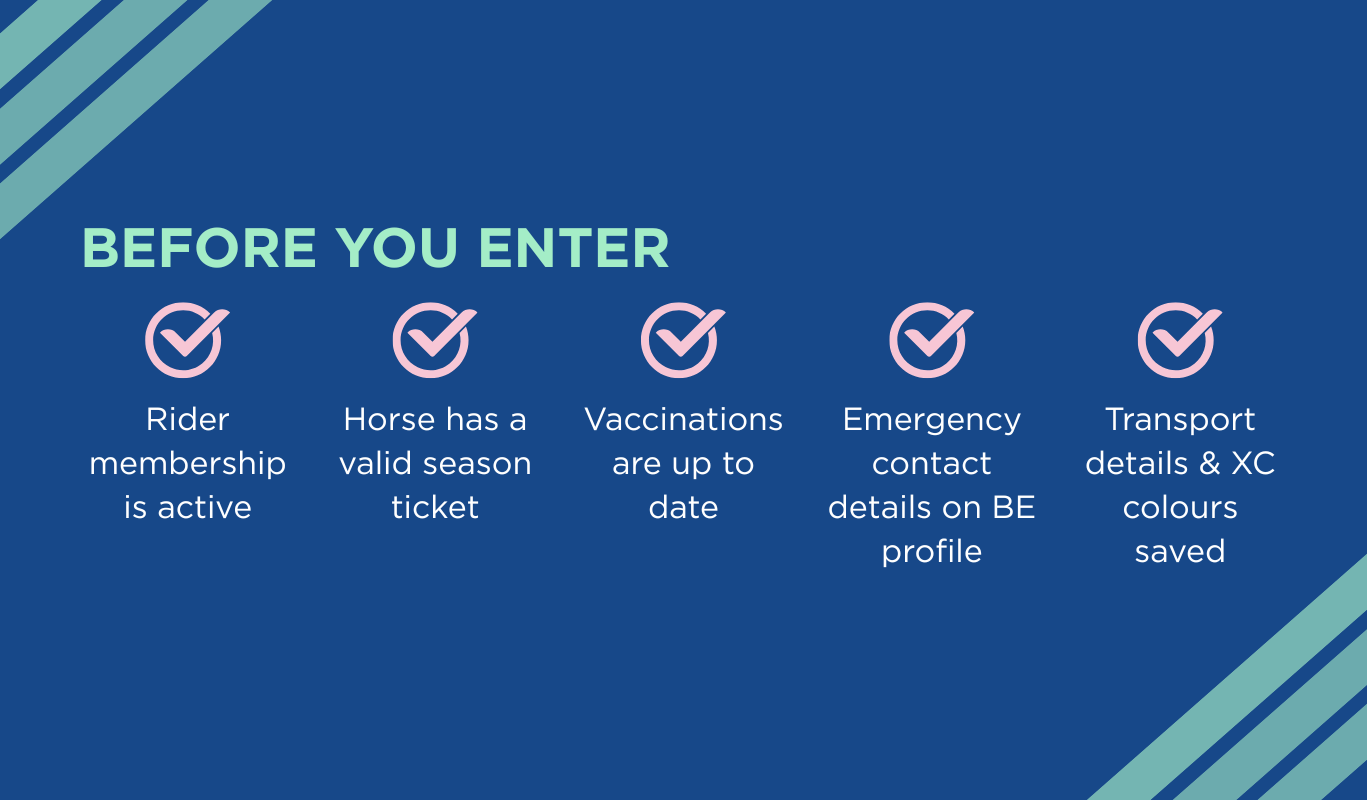
New member checklist

  • Rider membership is active
  • Horse has a valid season ticket
  • Vaccinations are up to date see BE Rule 10.2
  • Emergency contacts, transport and XC colours can be added to your BE profile, these will then auto populate for every entry
How to enter a British Eventing competition
Entering a BE event is done online via the British Eventing website.

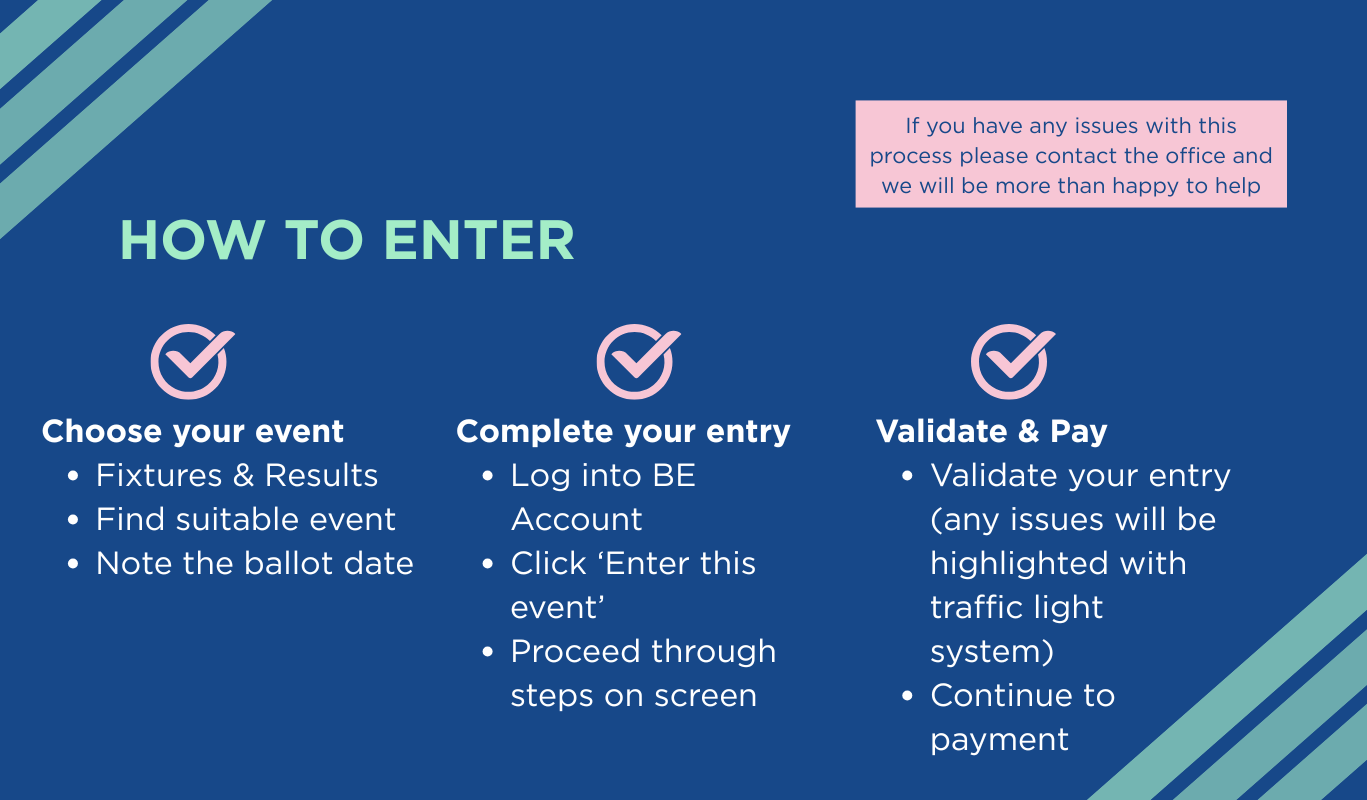
Step 1: Choosing your event
  • Visit Fixtures on the BE website
  • Check classes, dates and when entries open
  • Make a note of the ballot date (usually a Tuesday at midday)
  • Enter early where possible


Step 2: Make your entry
  • Log in to your BE Account.
  • Go to fixtures list and find the event you wish to enter and click ‘enter this event’

Entry stages
  • Pages 1–2: Rider details (will auto-populate if saved in your profile) 
  • Page 3: Select your horse(s)
  • Page 4: Choose class, competition day and any ballot options. Entries will be validated at this stage, you may see green, amber or red messages as detailed below.
  • Page 5: If offered & required book extras such as stabling or hook-up
  • Page 6: Agree to Terms & Conditions and GDPR


  • Green message: Entry validated
  • Amber message: Warning (e.g. membership due to expire)
  • Red message: Issue to resolve before continuing


You can enter multiple events or riders and pay for them together in one basket.

Once validated, add the entry to your basket and complete payment.

Follow the instructions to complete checkout.

Top tip: If you make a mistake, use the ‘Start again’ button — available on every page.
Balloting and waitlists explained
Some events receive more entries than they can run. Balloting and waitlists are used to manage this fairly.

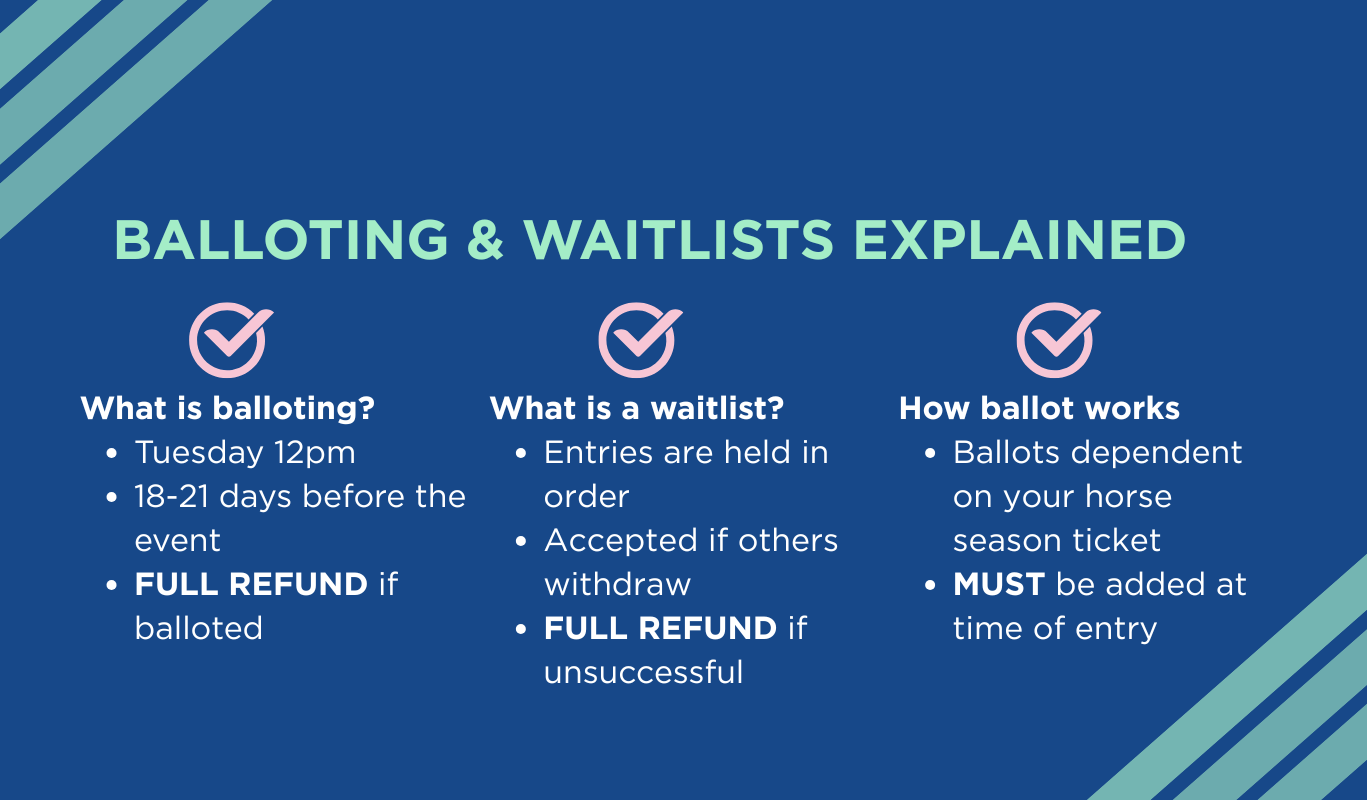
What is balloting?
  • Each event has a ballot date, usually a Tuesday at midday
  • Entries are assessed at ballot date & if oversubscribed entries may be balloted out
  • If balloted out, you receive a full refund
  • Full rules including priority are explained in rule 4.4

What is a waitlist?
  • If oversubscribed the event may hold a waitlist rather than ballot
  • Entries are held in order
  • Accepted if other competitors withdraw
  • If your entry is unsuccessful, a full refund will be given


Ballot Numbers Ballot numbers are assigned to each horse 

  • Full season ticket: one monthly ballot (March–October) + two super ballots
  • Half season ticket: monthly ballots July–October + one super ballot
  • Ballots must be added at time of entry and cannot be added later

    Top tip: Under-18 entries are prioritised — you may not require a ballot for this entry.
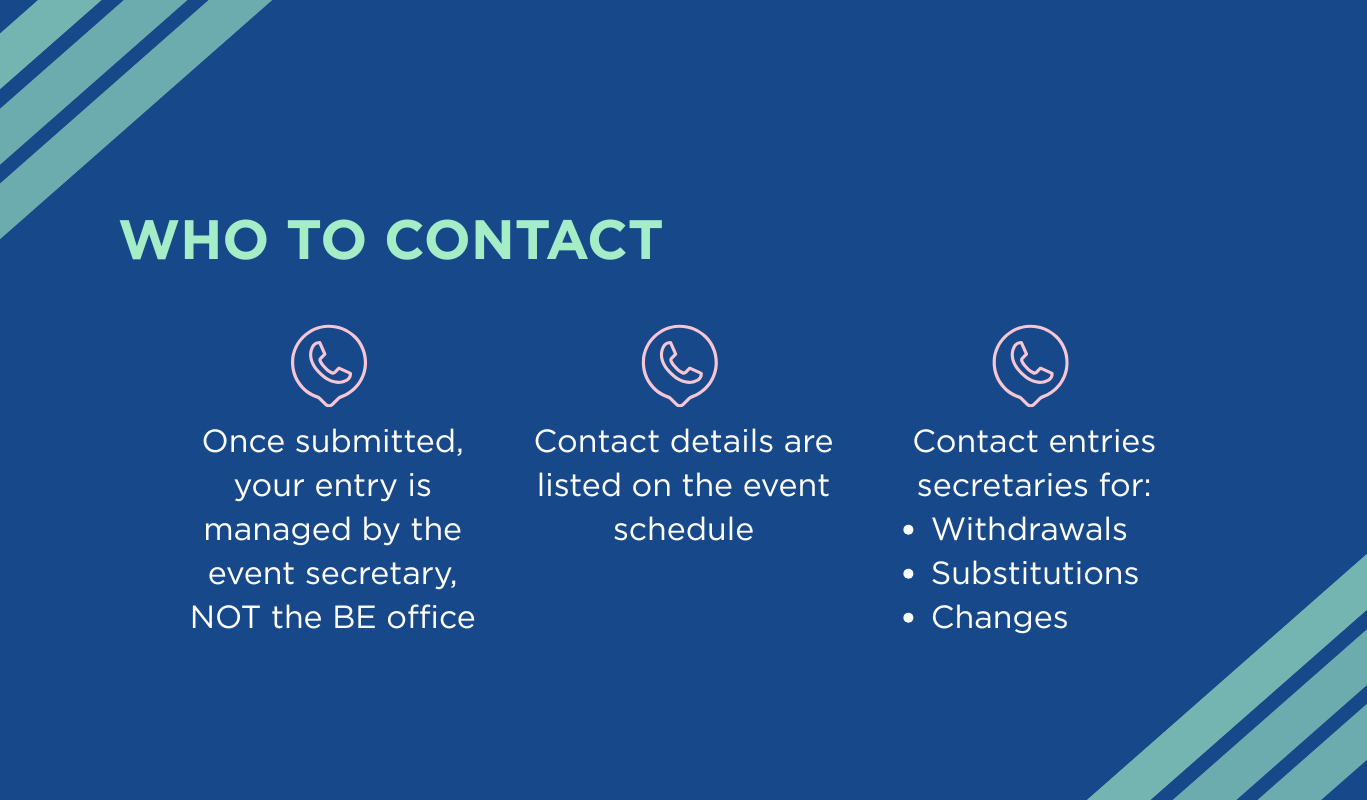
Making changes to an entry Once an entry is submitted, it is managed by the event entry secretary, not the BE office.

Who to contact
  • Contact details are listed on the event schedule
  • Entry secretaries handle withdrawals, substitutions and changes
Fees, withdrawals and refunds

Fees you’ll pay

  • Entry fee (varies by class and event)
  • Start fee
  • Booking fee
  • Abandonment Support Fund (ASF)
  • Additional post-ballot fee


Withdrawals
    • Before ballot date: Full entry fee refund
    • After ballot date: Refund only if your place is filled
    • Start fee and ASF refunded if you do not start the dressage phase
    • Withdrawal with vet or doctor certificate
    • See minimum refund policy rule 4.12.2
    What happens if an event is abandoned?
    All entries contribute to the Abandonment Support Fund, which helps events refund competitors if extreme weather forces cancellation.

    • Refunds are processed automatically
    • Timing depends on event insurance
    • Refunds can take up to six weeks


    Events will state on their schedule whether additional abandonment insurance is in place.
    Getting your times and numbers
    • Times are published on the BE website and Eventing Scores 
    • Check the event schedule for release dates
    • Most events require competitors to print their own numbers


    Event Guide status
    • P – Schedule in preparation
    • S – Schedule available
    • O – Entries open
    • C – Entries closed
    • T – Times available
    • R – Results available
    • X – Cancelled or abandoned
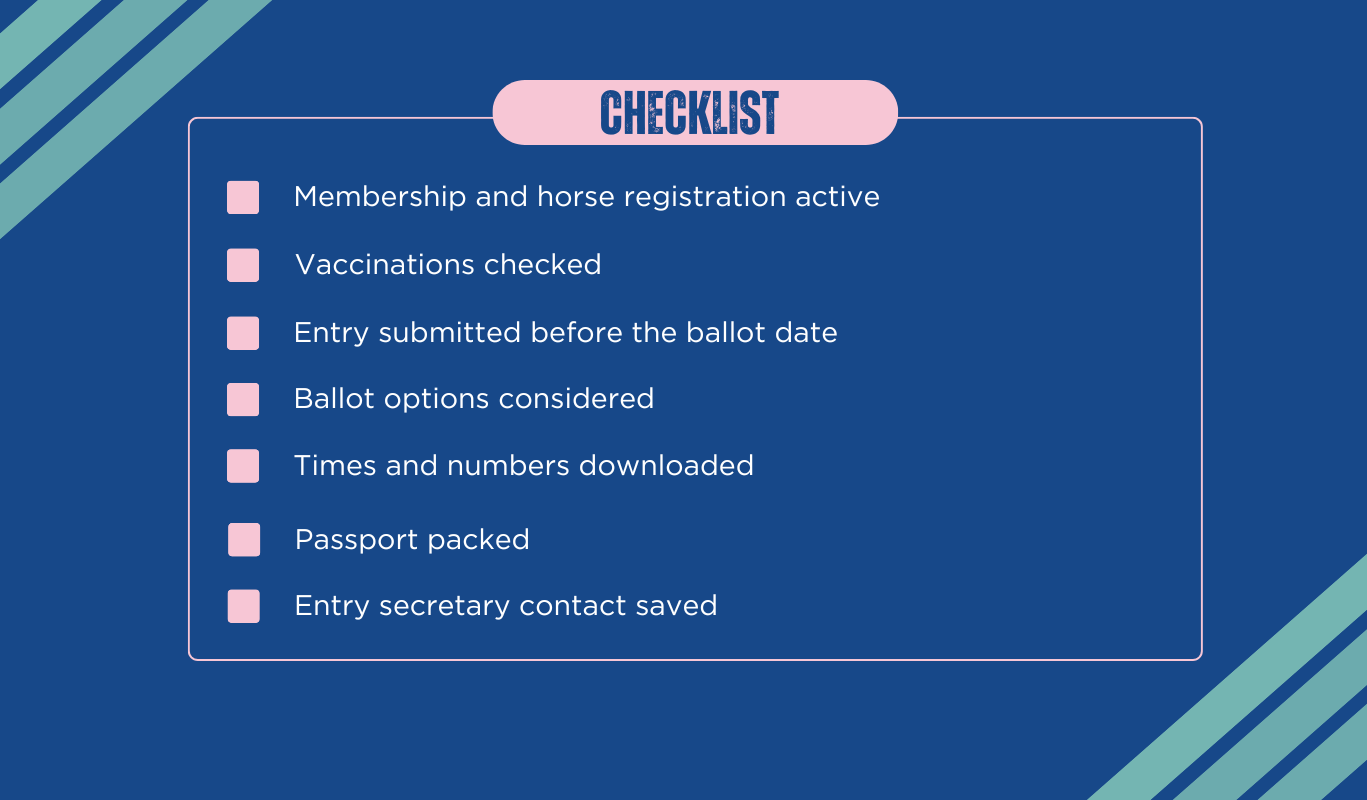
    Your first BE event: quick checklist
    • Membership and horse registration active 
    • Vaccinations checked
    • Entry submitted before ballot date
    • Ballot options considered
    • Times and numbers downloaded
    • Passport packed
    • Entry secretary contact saved

    Frequently asked questions

    Do I need to be a BE member to enter events?

    Yes — both rider membership and a horse season ticket must be active before entering. Unless you are entering GOBE

    When do entries usually open?

    Entries typically open up to six weeks before an event.

    Can I change my entry after submitting?

    Yes, but all changes must go through the event entry secretary.

    What happens if I’m balloted out?

    You’ll receive a full refund automatically.

    Do I need to print my own numbers?

    In most cases, yes — details will be confirmed on the event schedule.